PromoPlus insight
How Promotional Product Mockup Software Speeds Up Client Approvals
Learn how promotional product mockup software helps distributors create proofs faster, collect feedback, reduce revisions, and move approved artwork into production.
How Promotional Product Mockup Software Speeds Up Client Approvals
Learn how promotional product mockup software helps distributors create proofs faster, collect feedback, reduce revisions, and move approved artwork into production.
Create Product Mockups Faster
Instead of managing artwork and product images across multiple folders and applications, teams can bring the important parts of the proofing process together.
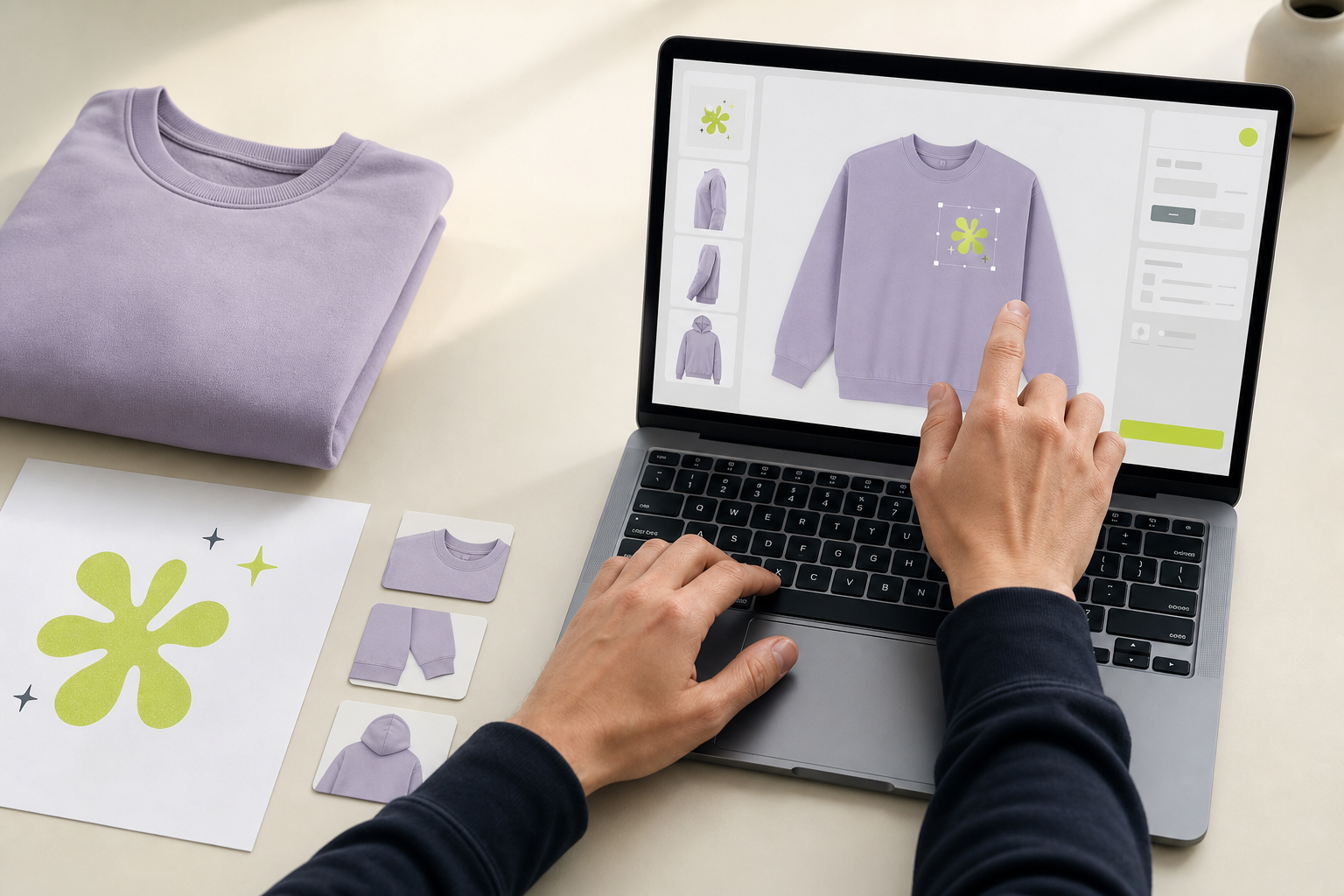
With Promo Plus, users can create a project, upload artwork, customize product visuals, and prepare a proof for customer review.
This gives distributors a repeatable process for creating branded product presentations without rebuilding their workflow for every order.
Keep Feedback Connected to the Proof
One of the biggest problems with email approvals is context.
Please make the logo slightly smaller.
When several versions have already been exchanged, both the distributor and customer can easily lose track.
A centralized proofing workflow keeps customer feedback connected to the project so revisions are easier to understand and manage.
Reduce Approval Delays
Every extra email creates another opportunity for an order to stall.
View Proof -> Review Design -> Request Changes or Approve -> Finalize for Production
This makes the next action obvious and helps distributors move jobs forward faster.
Maintain a Clear Final Version
Once the customer approves a design, the approved version becomes the reference point for production.
That can significantly reduce confusion between sales teams, designers, customers, and production teams.
A Simpler Way to Manage Promotional Product Proofs
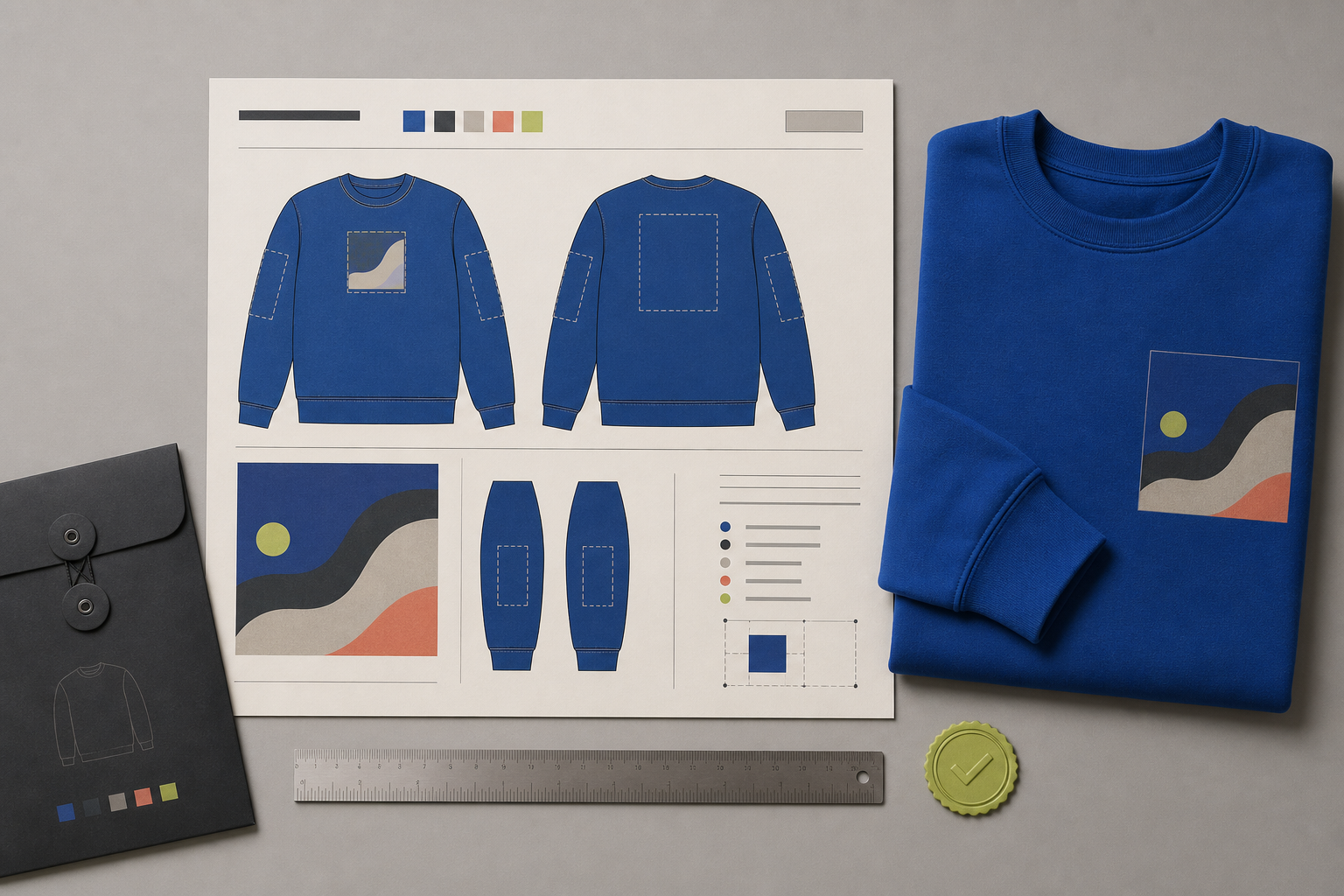
Promo Plus is designed to help promotional product businesses manage the workflow from initial artwork to customer approval and production-ready files in one place.
Spend less time managing proofs and more time moving orders forward with Promo Plus.
Begin with the product already in the project
Search supplier products by vendor, SKU, or keyword, then carry the selected item into the mockup designer. Product images and details come from the catalog, which reduces the setup needed before artwork placement. If a product is not in a supplier catalog, a user can add it manually to the project.
Upload SVG artwork and place it on the available product sides. Reviewing the front, back, or sleeve in the browser helps the team prepare a customer-ready visual without rebuilding a separate image for every discussion.
Make every review request specific
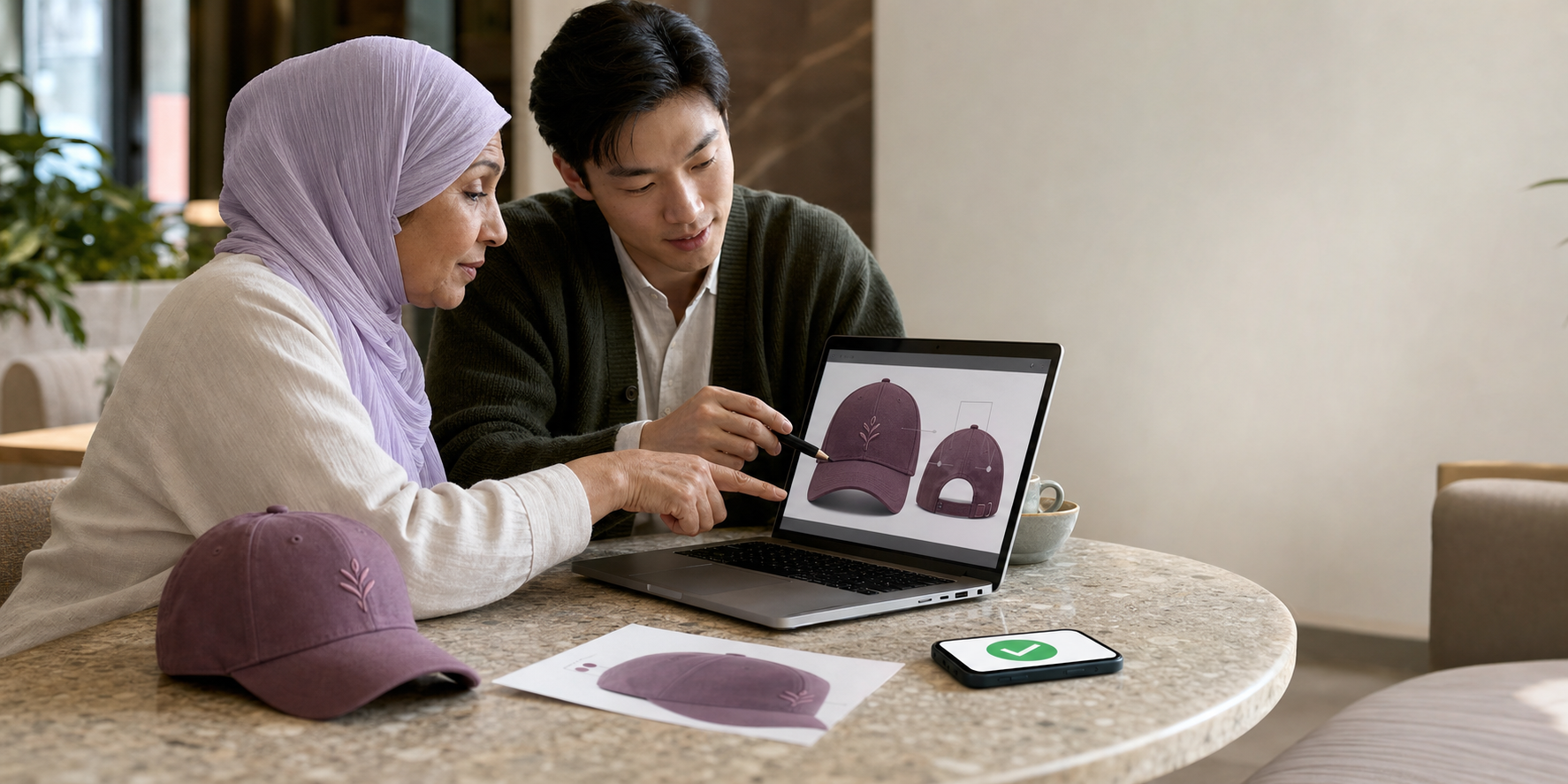
Send the customer a link and access code for the current mockup. The customer can view the design, comment, request a revision, or approve without signing in. Comments stay attached to the version being reviewed, so a request to change size or placement does not get separated from the relevant proof.
Each change is saved as a new artwork version. Teams can compare revisions and restore earlier artwork when needed, while the approval record shows exactly which version received the customer's decision. That reduces the time spent resolving conflicting files and forwarded emails.
Carry approval into production
The approved version is locked against further edits and becomes the basis for the production-ready PDF. That file brings together the approved product proof and artwork inspection sheet, including placement details. The same project record connects the mockup, feedback, approval, and final handoff.