PromoPlus insight
From Artwork to Production: A Better Promotional Product Proofing Workflow
Discover a streamlined workflow for managing promotional product artwork, mockups, client feedback, approvals, and production-ready files.
Promotional Product Proofing Workflow: Artwork to Production
Discover a streamlined workflow for managing promotional product artwork, mockups, client feedback, approvals, and production-ready files.
From Artwork to Production: A Better Promotional Product Proofing Workflow
A promotional product order may look simple from the customer's perspective. They choose a product, send their logo, approve the artwork, and wait for delivery.
Behind the scenes, several steps need to happen correctly. A better workflow connects those steps instead of treating each one as a separate task.
Step 1: Create the Project
Start by creating a dedicated project for the order. The project becomes the central location for the artwork, product information, proof, customer feedback, and approval status.
Step 2: Upload the Customer Artwork
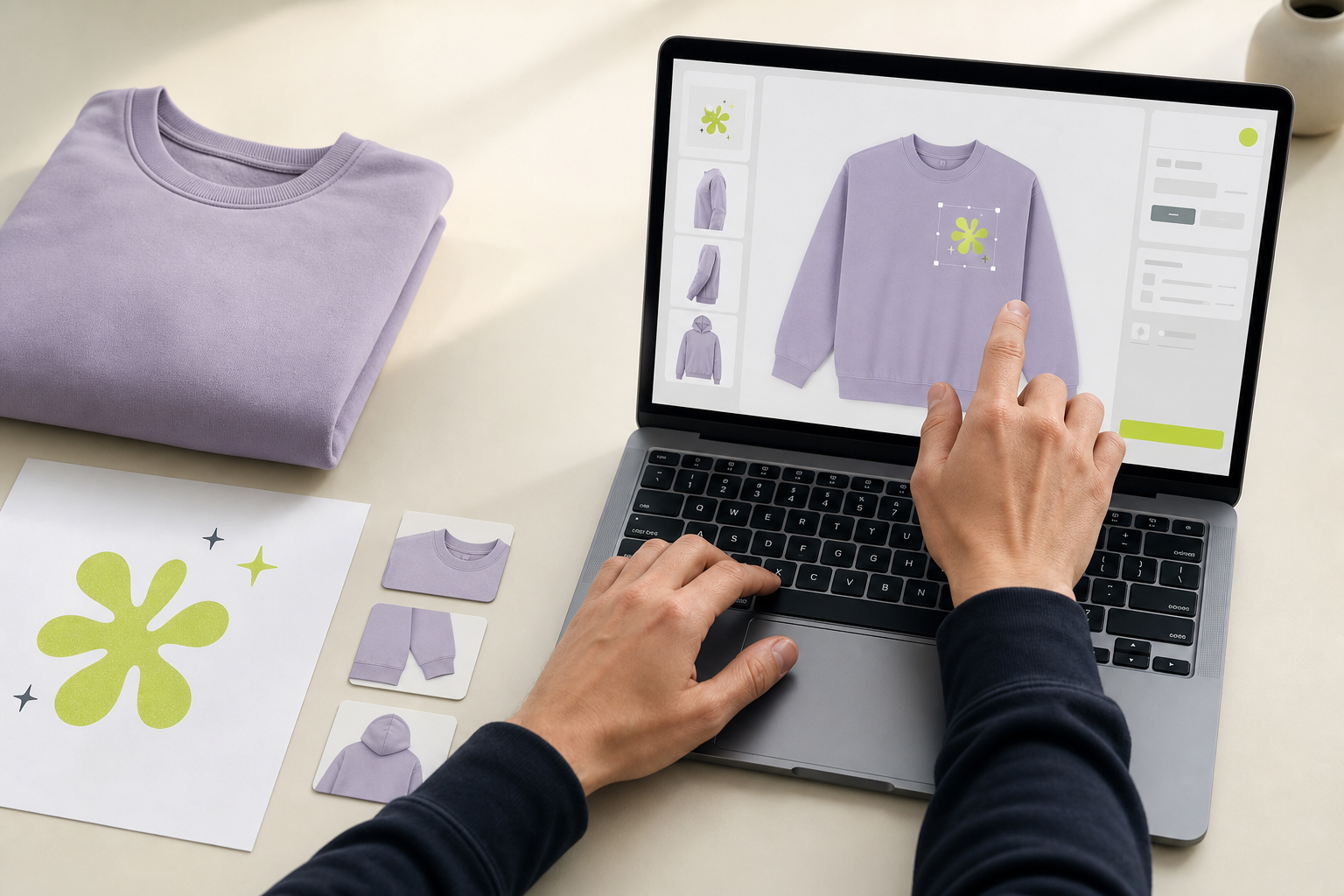
Add the customer's logo or artwork to the project so the team can access the correct file throughout the proofing process.
Step 3: Create the Product Mockup
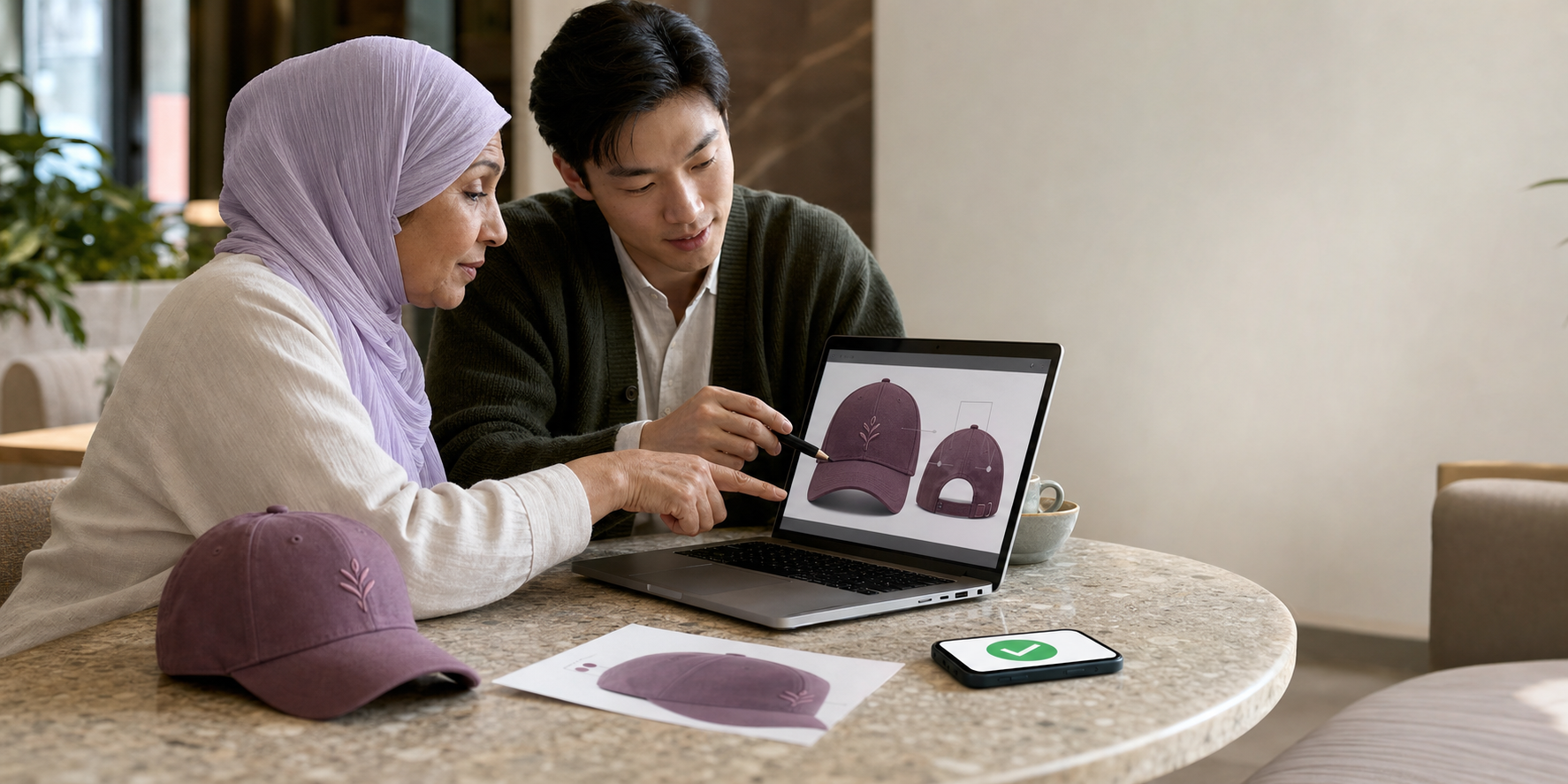
Place the artwork onto the selected promotional product and prepare a visual representation of the finished item.
Help the customer understand what they are approving before anything goes into production.
Step 4: Share the Proof
Once the mockup is ready, share it with the customer for review through a structured proofing process.
Step 5: Collect Feedback
Keep logo size, placement, artwork, product selection, and design positioning feedback connected to the project.
Step 6: Receive Final Approval
Once the customer approves the proof, that approved version becomes the production reference.
Step 7: Prepare for Production
Create -> Upload -> Customize -> Share -> Review -> Approve -> Produce
Build a Repeatable Proofing Process
Promo Plus helps distributors organize product mockups, customer feedback, approvals, and production preparation around one connected workflow.
Check the proof before requesting approval
A useful proof starts with the right product record. Check the selected item, color, and available decoration sides before placing the customer's artwork. PromoPlus keeps the product and artwork in the same project, so the team can review the mockup in the context of the order.
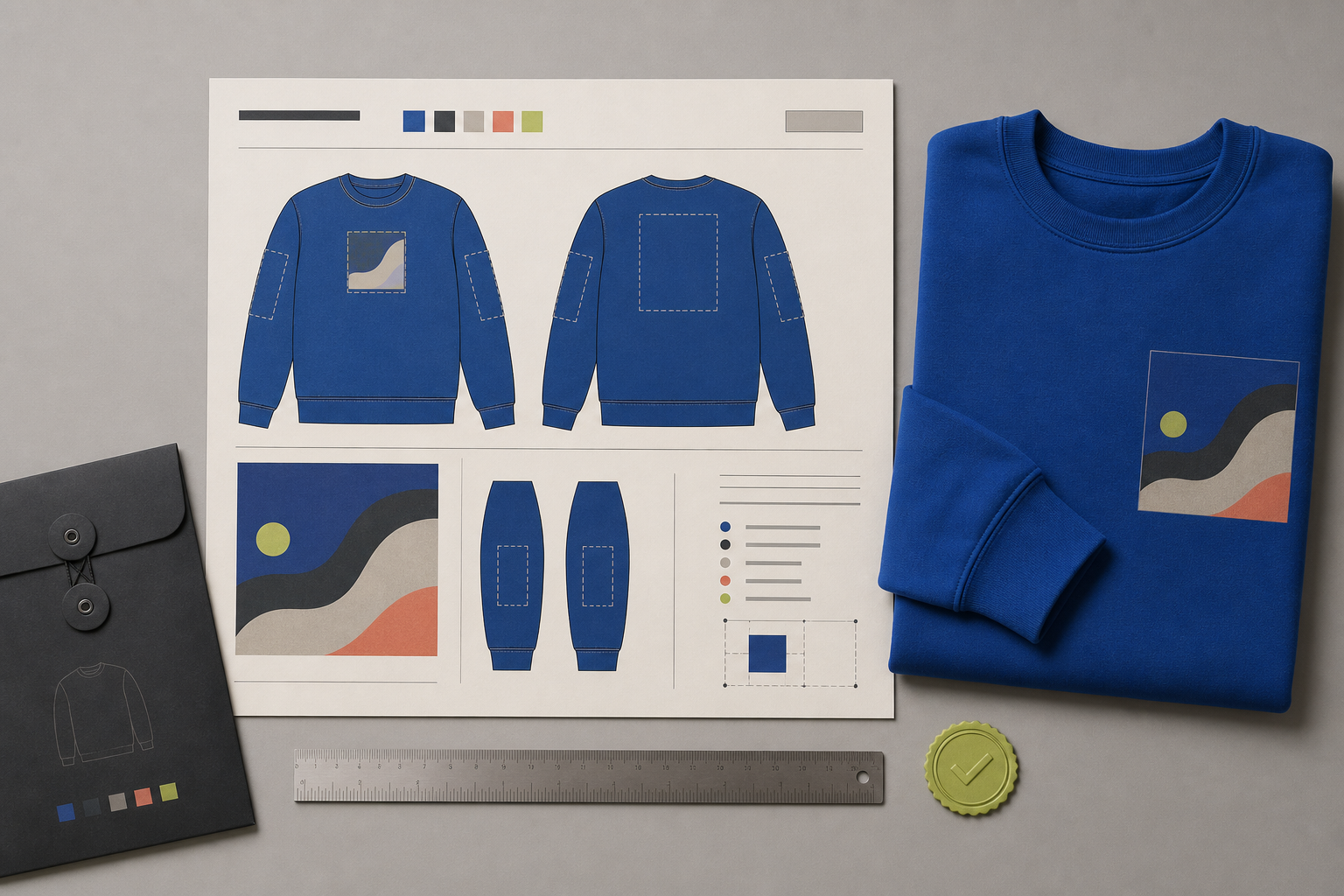
Look at each side that needs artwork, such as the front, back, or sleeve. The proof should make the intended placement clear enough for the customer to spot a sizing or positioning problem before approval. If the artwork changes, keep the revision with the project instead of replacing an old attachment in an email thread.
Keep the decision attached to a version
Share the mockup through a customer review link and access code. The customer can comment, request a revision, or approve without creating a PromoPlus account. Feedback stays with the version under review, and the approval record identifies the version the customer accepted.
When a revision is requested, review the new version before sending it back. Earlier versions remain in the history, while the approved version is locked against further edits. That makes the final decision easier for sales, design, and production teams to trace.
Prepare the approved production handoff
Once the final version is approved, PromoPlus generates a two-page production PDF. The first page is the approved product proof with item and placement details, including decoration, imprint size, and colors. The second page is an artwork inspection sheet. The production team receives the approved version and the details needed to interpret it together.